Anchor Points
Snap anchors to any of nine grid positions. Rotation-aware — handles 2D and 3D layers without shifting visual placement.
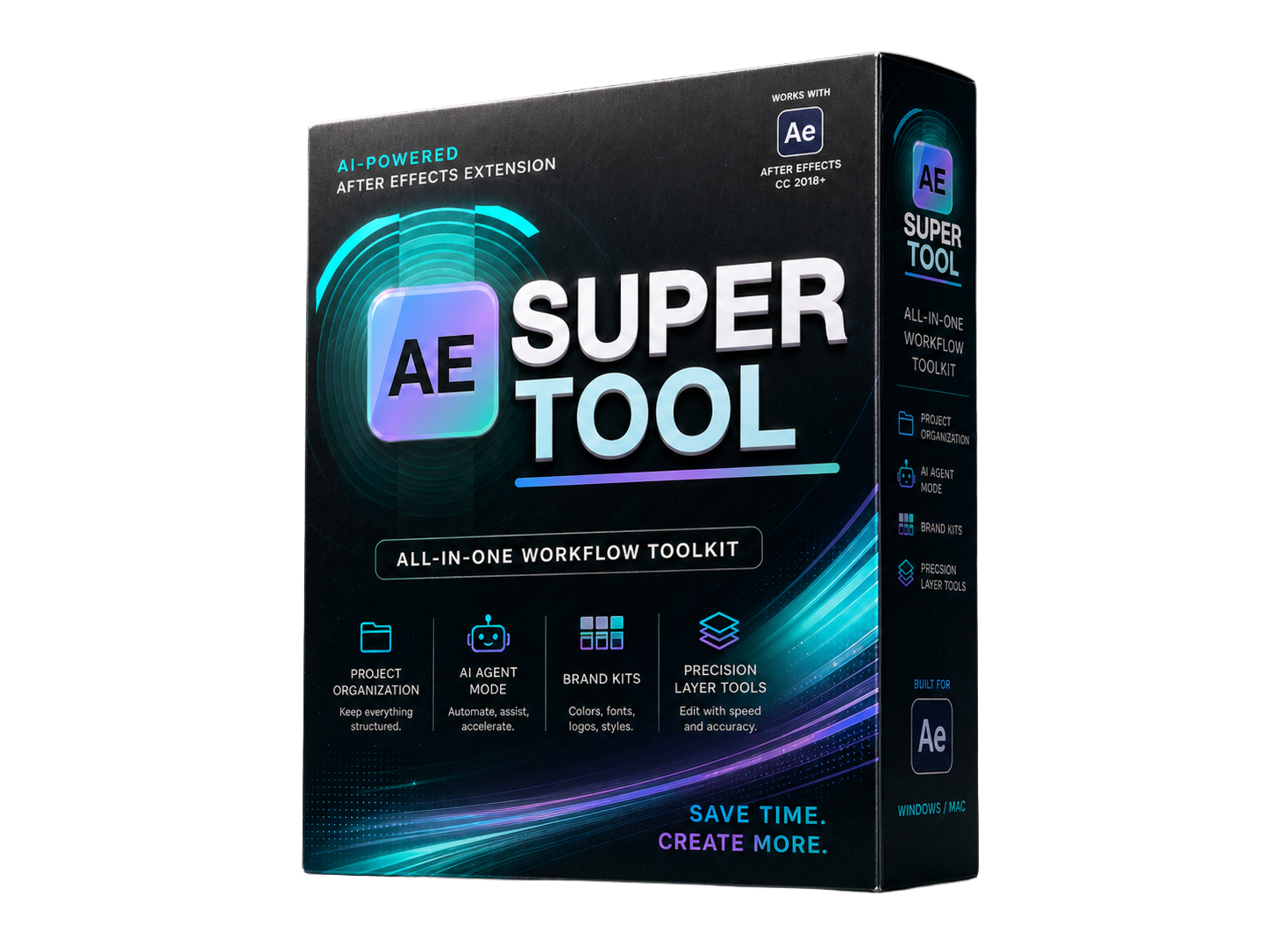
One polished panel for the repetitive work that slows motion designers down — and a built-in tool builder so you can make your own. Layer tools, AI agent, Tool Forge, project auditor, and client kits.
Anchor snapping, world-space alignment, keyframe ease curves, layer sequencing, text editing, quick comps, smart duplicate, layer conversion, fit to comp, render output. All in one panel.
Describe a tool you need. The AI generates the ExtendScript, you review and test it, then save it as a card in your panel — shown, hidden, and rearranged alongside every built-in tool.
Describe an animation, review the generated plan, then execute steps with undo groups and visible scripts before anything runs. Claude, GPT-4o, Gemini, or local Ollama.
HTML project audit reports with comp specs, footage, and effects. Per-client brand colors and fonts with one-click apply. Auto-sort project items into clean named folders.
A brief video showing some of what's inside.
Built for the jobs that keep coming up on every project.
Snap anchors to any of nine grid positions. Rotation-aware — handles 2D and 3D layers without shifting visual placement.
Align layers to the comp or selection bounds, including animated layers sampled at the current time.
Visual curve presets, manual editing, linked incoming/outgoing influence sliders, and ease in/out/both/linear/hold shortcuts.
Stagger layers by frames or seconds. Preset timing values, forward or backward stagger order.
Search and apply native AE effects and animation presets to selected layers without switching panels.
Read selected text layers. Adjust font, size, tracking, leading, and fill color from one panel.
Scale and center selected layers to fill the comp. Force-stretch mode for shape and raster content.
Duplicate comp hierarchies with all nested precomps organized into a clean assets folder.
Convert PSD text to editable AE text. Turn vector footage into editable shape layers.
Create common HD and 4K comp sizes instantly. Save your own presets for recurring deliverables.
Batch-apply width, height, frame rate, and duration to multiple selected project comps.
Apply one output folder to all Render Queue items at once while preserving each filename.
Sort footage, graphics, audio, precomps, solids, and comps into named folders. Preview before applying.
Add reference images to any comp. Fit, blink, blend mode, and opacity — no rebuilding each job.
Close crowded comp viewers while keeping your active comp and any selected masters open.
Not every project needs the same tools. Tool Forge lets you describe exactly what you need, generate the ExtendScript, review and test it, then save it as a permanent card in your workflow — sitting right alongside every built-in tool with the same design, the same move handle, and the same show/hide controls.
Custom tools are stored locally in extension settings and persist across projects. You can keep refining them in the chat anytime.
Type what you need in plain language and keep chatting to refine the interface and behavior until it's exactly right.
See the generated ExtendScript before anything runs. Test it live in the panel, iterate with the chat, or edit the code directly.
Approved tools save as a card with a custom name and badge. Rearrange, show, or hide them the same way you manage every other tool.
Built around visible plans, reviewable steps, and safer script execution so you stay in control of the comp.
Prompt the agent with a concept, timing, style, and deliverable goal in plain language.
See every build step before execution — JSX scripts, image requests, and layer operations listed out.
Generate comps, layers, keyframes, expressions, image assets, and end cards directly in your project.
Inspect a frame, identify visible issues, and apply targeted corrections in the same session.
Claude, GPT-4o, Gemini, and local Ollama. Switch models per task. API keys stored locally — nothing sent to an external service.
Generate full-frame artwork, transparent assets, and reference plates via OpenAI, Replicate, or Stability AI directly into the comp.
Cleanup Comp, Rename Items, and Trim Layers give fast AI-assisted project cleanup without the full agent workflow.
Generate branded HTML audit reports with comp specs, layer inventory, footage status, fonts, effects, expressions, and optional comp thumbnails. Scope to the full project or only selected main comps with their nested dependencies.
Save per-client brand colors and fonts. Apply a saved color to layer fills and strokes in one click. Apply a saved font to selected text layers. Export and import client configs as JSON for sharing across machines.
AE Super Tool will be listed on aescripts once the author application and product listing are approved. Signed ZXP ready. After Effects 2020 and later, macOS and Windows.